

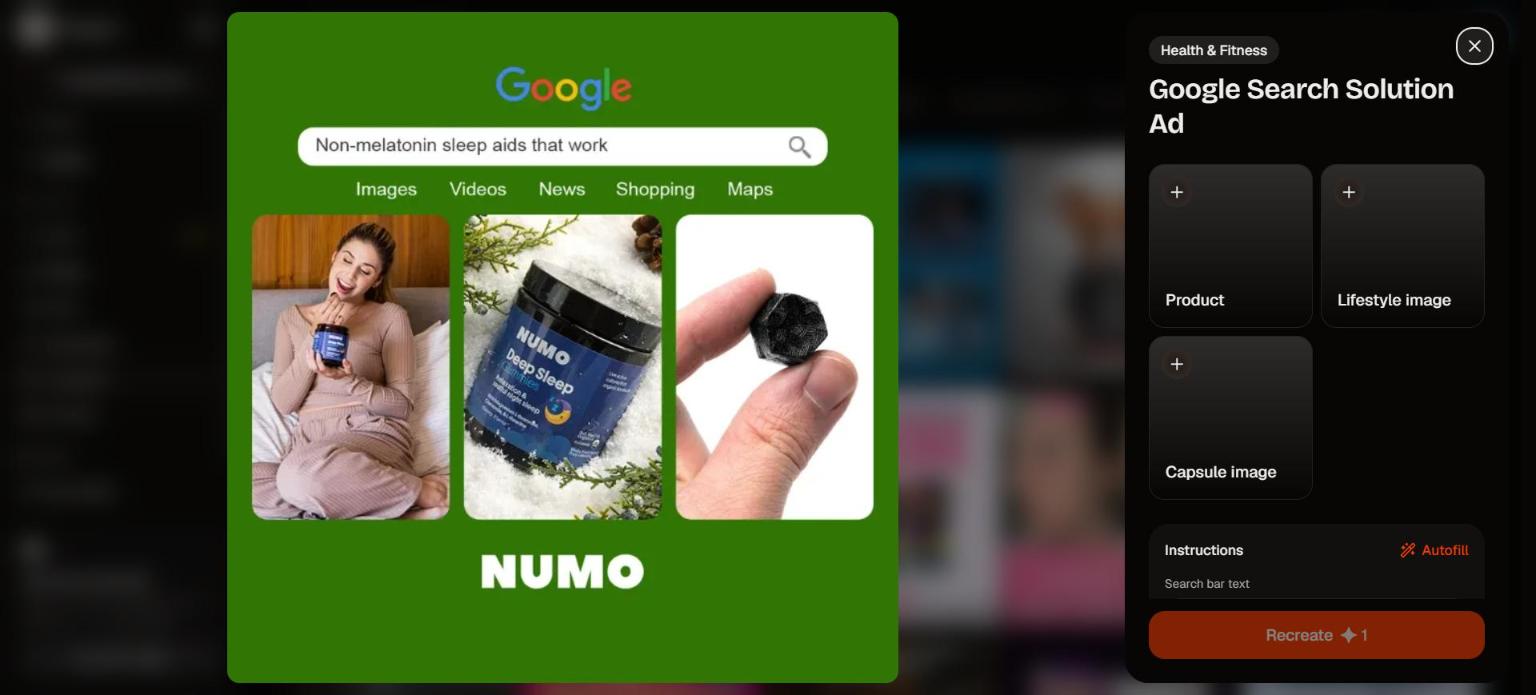
Use an image template
1
Open Templates
Click Templates in the left sidebar.
2
Show only image templates
Click Images to hide the video templates.
3
Pick your industry
Click a category, such as Fashion & Clothing or Beauty & Skincare, to see layouts made for brands like yours.
4
Open a template
Click a template to see it up close and read what it does.
5
Add your product
Click Add Product and pick or upload your product.
6
Ask for changes (optional)
Type any changes into the text box, for example “Use a pink background instead of green.”
7
Click Recreate
The button shows the credit cost.
Tips
- You can also pick image templates inside Static Ads. Click the Template box or scroll to Templates for you.
- Change one thing at a time, such as the color or the headline, so the layout keeps working.